
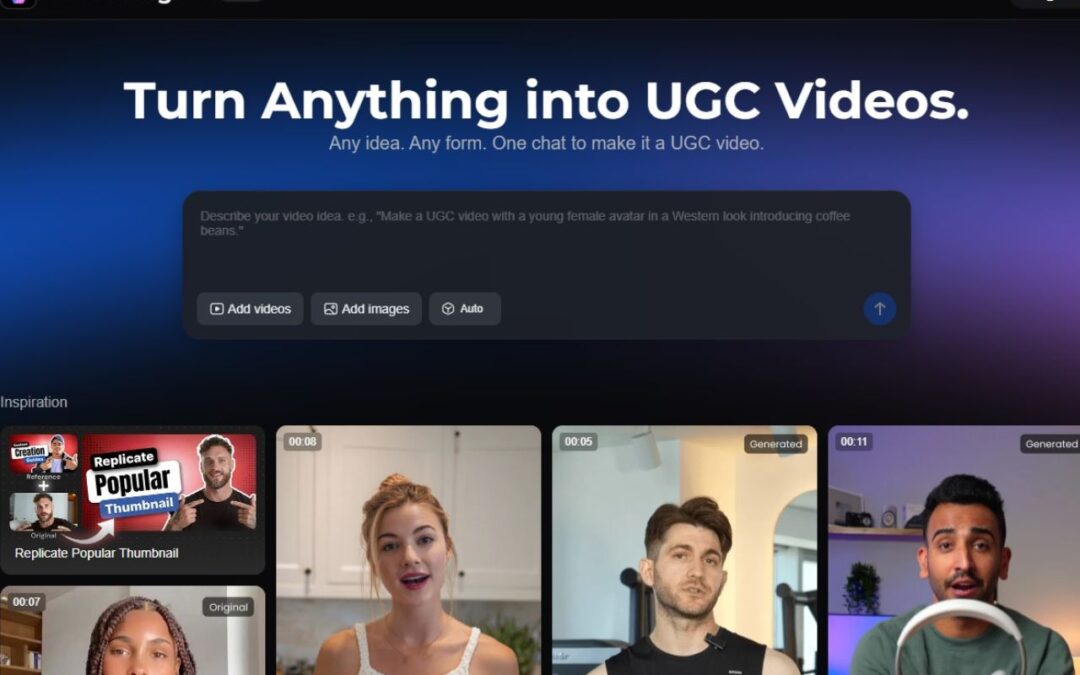
Content creation is essentially the new “manual labor” of the digital age. If you are running an e-commerce store, a dropshipping brand, or just trying to build a personal brand, you know the drill: you need video, you need it yesterday, and you need a lot of it. Specifically, you need UGC (User Generated Content)—those raw, authentic-feeling videos that convert like crazy because they don’t look like ads.
Usually, getting this content involves sending free products to influencers, waiting three weeks, and praying they don’t film it in a dark closet. I recently spent the weekend testing a tool that claims to bypass that entire headache: the Vmake AI Video Agent. I’m generally skeptical of “one-click” wonder tools. They usually generate content that screams, “A computer made me.” But after throwing a few test cases at Vmake’s agent, I have some thoughts. If you are tired of burning budget on creators who ghost you, you might want to read this.
The “Video Agent” Concept: What Is It?
Vmake is pitching something different with its “Agent.” Think of it less like a tool and more like a creative intern. You hand it the raw assets (a product photo or a URL), and it figures out the rest: the “hook” (that crucial first 3 seconds), the selling points, the script, and the voiceover. To test this, I didn’t want to give it an easy win. I didn’t use a high-gloss photo of a Nike shoe. I used a photo of a generic, slightly boring ergonomic office chair.
The Test: Selling the Boring Chair
I navigated to the Vmake Agent interface. It’s clean—refreshingly so. No complex timelines clutter the screen immediately. I uploaded the chair photo.
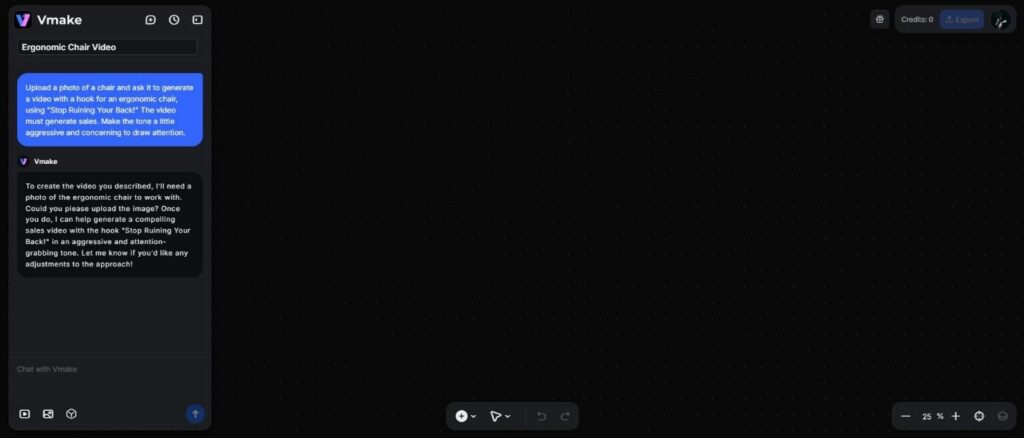
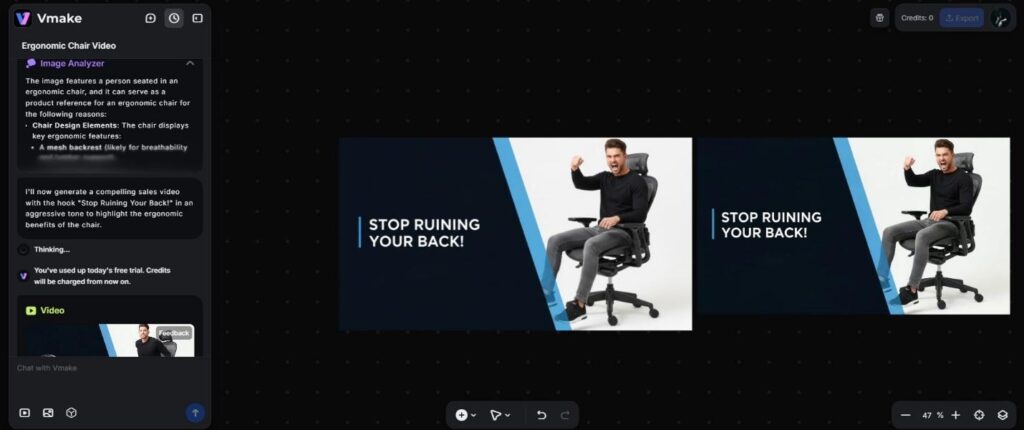
The generated video started with a “Hook”—a visual and audio interrupt designed to stop the scroll. It used a dynamic text overlay reading “Stop Ruining Your Back!” (a bit aggressive, but hey, that stops me).
The voiceover was the biggest surprise. We are all used to that standard TikTok “text-to-speech” lady who sounds like she’s trapped in a vending machine. The Vmake agent used an inflected voice. It sped up during the excitement parts and slowed down for the serious “health” benefits. It wasn’t 100% human—if you listened closely with headphones, you could catch the digital seam—but for a scrolling mobile user? It was indistinguishable from a generic creator voiceover.
Under the Hood: The Editing “Brain”
What stuck out to me during my testing was the pacing. Editing is usually where AI falls apart; it lingers too long on static shots.
Vmake’s agent seems to have been trained on high-performing social ads. It cuts fast. It zooms in on the product details (like the lumbar support on my chair) right when the script mentions them. It added subtitles automatically—crucial, since 80% of people watch social video on mute—and highlighted key keywords in yellow and bold.
The Ecosystem: It’s Not Just Generation
While the Video Agent is the shiny new toy, the broader platform solves the other massive problem in content marketing: repurposing.
Let’s say you actually do get a great video from an influencer. They posted it on TikTok, it went viral, and now you want to run it as an Instagram Reels ad or use it on your Amazon product page. The problem? It’s covered in the TikTok UI—the username, the like buttons, and that bouncing logo watermark.
This is where the video watermark remover feature becomes a lifesaver. I took a video I had downloaded from TikTok (with the creator’s permission, of course) that was cluttered with on-screen text and logos.
I ran it through Vmake’s remover tool. Usually, these tools are essentially “smudge tools”—they just blur the logo, leaving a weird, ugly blob that looks worse than the watermark itself. Vmake’s AI, however, uses inpainting. It examines the pixels around the watermark and attempts to reconstruct what lies behind it.
On a complex background (a busy street), it struggled slightly, leaving a tiny artifact. But on a standard indoor background? It was like the logo never existed. For dropshippers who source content from various suppliers, this video watermark remover is arguably worth the price of admission alone. It turns unusable, branded footage into clean assets you can slap your own logo on.
The “Human” Touch (and where it lacks)
I promised an honest look, so here are the drawbacks.
The AI Agent is brilliant at “sales” content, but it lacks nuance for storytelling. If you want a video that tells a deep, emotional story about your brand’s founding, this isn’t the tool for that. It is designed for conversion. It wants to get the viewer to click “Shop Now.”
Who is this for?
After spending a few days with Vmake, I realised it’s not trying to replace Steven Spielberg. It’s trying to replace the tedious, repetitive grunt work of social media management.
If you are a UGC creator, you could use this to churn out ten variations of a hook in the time it takes to edit one. You keep the best one and discard the rest.
If you are a business owner, this is your “minimum viable video” machine. You can test ten different products with ten different video angles in one afternoon. You see which one gets clicks, and then you invest in a high-budget human production for the winner.
Final Verdict
The marketing world is noisy. To break through, you don’t necessarily need “better” video; you need more video, and you need it to be relevant. Vmake offers a shortcut that actually works. It automates the boring stuff so you can focus on the strategy. Is it 100% perfect? No. But it is fast, it is effective, and for the volume-hungry nature of TikTok and Reels, that is often exactly what you need.