
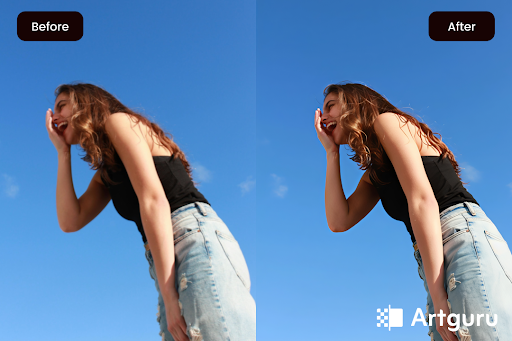
The creation of great products begins with high-quality visuals. Low-resolution images will result in fuzzy/pixellated images when magnified, which disqualifies them as professional quality. AI image upscaler tools allow users to instantly enhance image quality and increase the resolution without sacrificing image quality.
But which AI image upscaler to use, as there are lots of tools available in the market? No worries, this guide is here to help you.
The top 6 image enlargers are listed below, along with the advantages and disadvantages of each one, their functions, and how each can best be utilized for your own particular needs.
So, let’s get started.
1.) Artguru:
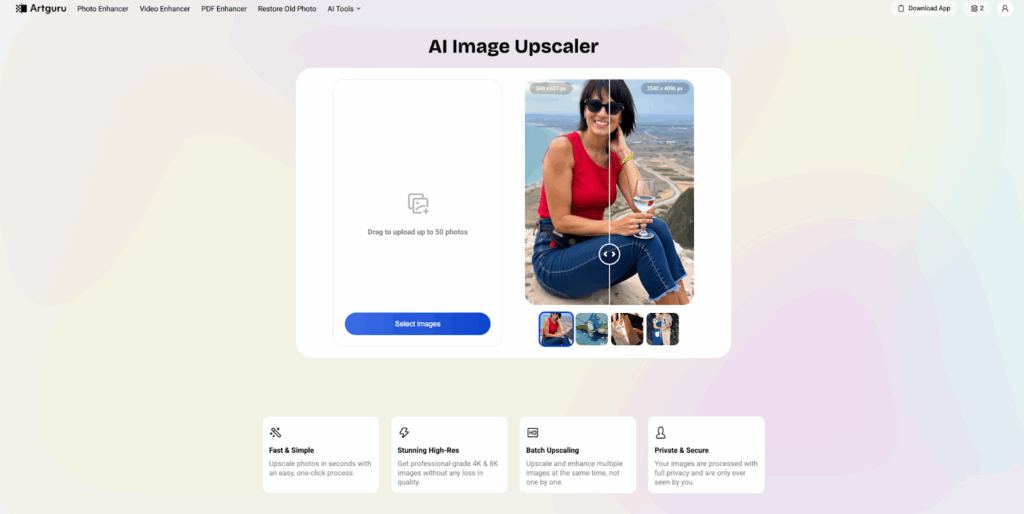
Artguru is an all-in-one AI-enhancement platform for the web, iOS, and Android platforms. In addition to their wide variety of enhancement tools, like image enhancer and video enhancer, their image upscaler produces excellent results, providing up to 8K resolution for images and documents.
The technology behind the upscaling feature utilizes generative AI to maintain the natural texture and detail as the original image is enlarged. The user-friendly interface makes it simple for creators to achieve powerful results without the use of complex workflows.
Key Features:
- AI image upscaling (up to 8×, up to 8K)
- Photo Enhancer (auto texture/detail refinement)
- Batch processing (up to 50 images)
- Old photo restoration
- Best-in-class text clarity upscale
- Cross-platform support (Web, iOS, Android)
- Video & PDF enhancers (upscale videos up to 4K)
- Background & object removal tools
Best for: If you need an upscaled image that has been maintained with the same natural look as the original, and have not had to do any manual editing to your images, Artguru is an outstanding option. Great for creating product photos, marketing materials, and images that have a lot of text, which will need to unblur image and make it to 8K or higher.
2.) Topaz Labs:
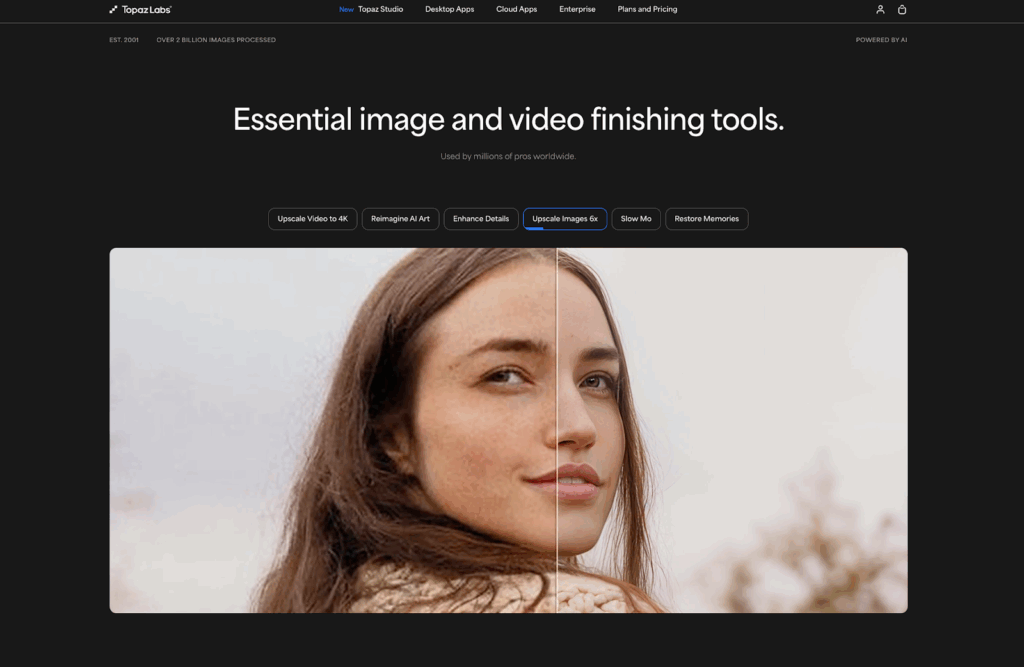
For years, Topaz Labs has been at the forefront of AI-powered professional image upscaling through Topaz Gigapixel AI / Topaz Photo AI. Their software is considered to set the bar for all photography and design professionals looking to have the highest level of detail and realness for enlargements of their original images, 6 times larger than the original image and beyond. Topaz uses highly sophisticated neural networks to intelligently recreate the textures in photographs and restore the details.
Key Features:
- Upscaling up to ~600% (6×) or higher
- Smart denoise and sharpening tools
- Batch processing support
- Integration with Lightroom and Photoshop
- GPU acceleration for faster rendering
Best For: Professional photographers, high-resolution prints, and users who want granular control over enhancement settings and detail fidelity. However, Topaz’s desktop software requires a capable computer and comes with a steeper learning curve compared to web-based tools.
3.) Upscale.media:
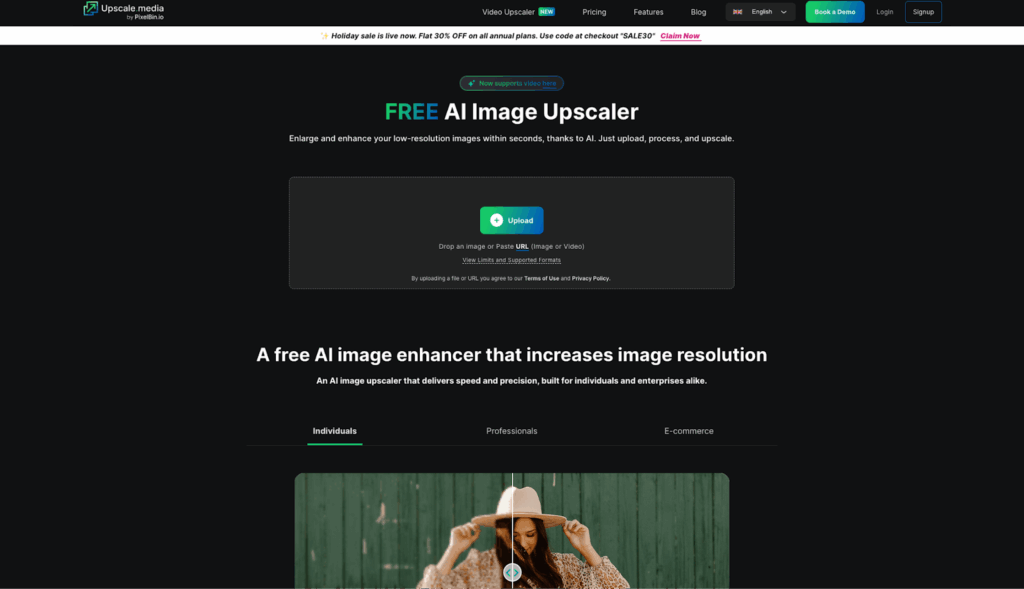
Upscale.media is a cloud-based AI image upscaler designed for users focused on speed and ease of use. The online upscaler makes it possible for the user to enlarge their images by 4 times directly from the web without needing to install any additional software on their computer.
Upscale.media has an intuitive, clean interface that is easy to navigate; after uploading an image, users select their enlargement option and then download the image from the site. It also accepts multiple formats (JPG, PNG, WebP, and HEIC) and automatically enhances colour and detail while reducing pixelation.
Key Features:
- AI upscaling up to 8×
- Drag-and-drop interface
- Quick, real-time processing
- Supports common image formats
- Free option with fast previews
Best For: Everyday users and content creators who need fast, free, no-fuss upscaling for web and social visuals.
4.) Upscayl:
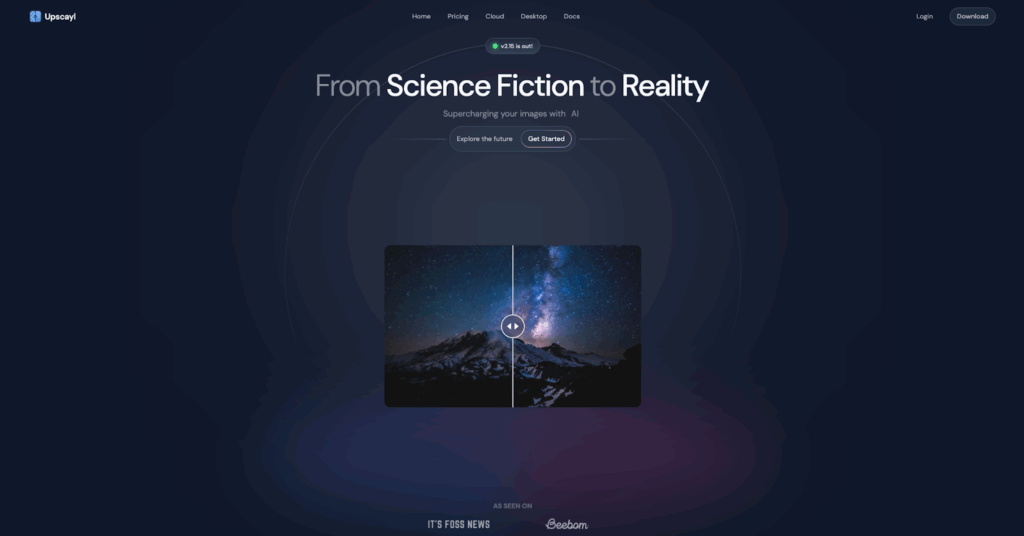
Upscayl is an independently developed, free, and open-source AI-based upscaling program that allows users to upscale their images without the need for a paid subscription or any third-party cloud account, allowing users to keep their data private and offline.
The software uses an advanced super-resolution framework to generate output images at a high level that could scale to 16×, but the majority of practical output images target either 4× or 8× scaling for day-to-day use.
Key Features:
- Free and open-source
- Local, offline processing
- Multiple super-resolution models
- Upscale up to 16×
- Cross-platform desktop availability
Best For: Users who want powerful upscaling without subscription fees and prefer offline processing for privacy or larger batch workloads.
5.) Deep Image:
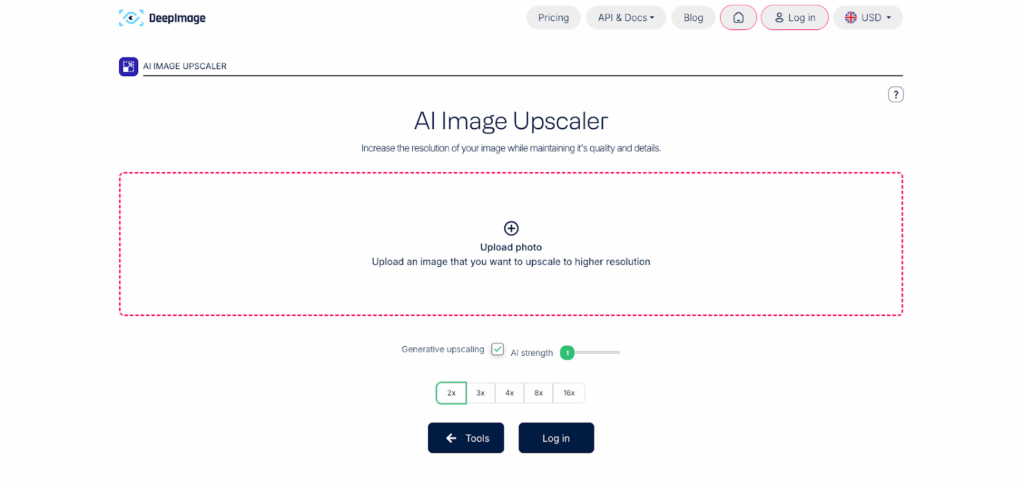
Deep Image is an AI-based platform for upscaling images that incorporates an effective technique for upscaling images and then refining those images to increase the amount of detail as well as optional noise reduction. This allows the user to enhance several images simultaneously so that users can batch-process images when they require numerous images.
With Deep Image, textures and the appearance of shapes are retained even when resizing an image to a larger format, and Deep Image works 100% online and supports all standard formats of digital images.
Key Features:
- AI upscaling up to 16×
- Noise reduction and artifact removal
- Batch processing support
- Easy web interface
- Cloud-based workflow
Best For: Designers, marketers, and small businesses who need consistent upscaling quality and bulk processing without installing software.
6.) VanceAI:
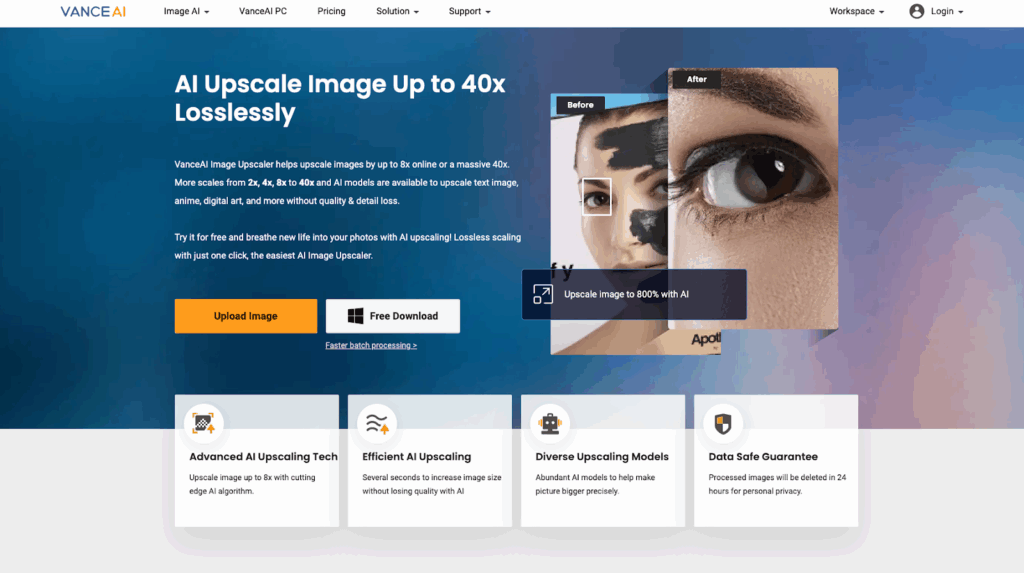
VanceAI Image Enlarger is an all-in-one tool for enlarging images that uses artificial intelligence to upscale an image to 8× or more without losing detail and blurring out edges and lines. It is easy to navigate, and the user can select the format of the images they want to enlarge, as well as various scaling options.
VanceAI Image Enlarger also provides a simple-to-use interface, batch processing capabilities, and is suitable for enlarging multiple digital images for prints, marketing, and creative projects.
Key Features:
- Upscaling up to 8× or higher up to 40×
- AI-driven detail preservation
- Batch process support
- Easy web-based interface
- Supports popular image formats
Best For: Artists, content creators, and ecommerce sellers who need higher upscaling factors with balanced detail and quality.
Conclusion
The above 6 AI image upscaler are all the best and cost-effective solutions for enlarging images while preserving their high-quality standard. Artguru stands out as the best since it allows users to enlarge images to 8k while keeping the natural and realistic look of the image intact. With a simple to use, user-friendly format, Artguru allows users to create high-quality, high-resolution images quickly and easily with its user interface, batch processing capability, and online accessibility.
