
For digital marketers and content strategists, the demand for high-quality video volume has never been higher, yet the traditional production triangle—speed, quality, cost—remains a stubborn barrier. We have historically relied on generic stock footage to fill the gaps, often settling for clips that feel disconnected from the brand’s unique visual identity. The arrival of Kling 3.0 introduces a disruptive variable to this equation, offering a method to synthesize bespoke commercial assets that would otherwise require a studio shoot.
This shift moves the workflow from “searching for the least bad option” to “directing the exact perfect shot.” In my analysis of its capabilities for commercial application, the model demonstrates a surprising aptitude for the glossy, high-contrast aesthetic typical of premium advertising. By simulating professional lighting setups and camera behaviors, it allows small teams to produce “B-roll” that rivals the output of a dedicated production house, all from a text interface.
The Economic Shift From Licensing To Generative Synthesis
The primary value proposition here is not just novelty; it is supply chain efficiency. Traditionally, a brand needing a video of a “luxury car driving through a rainy cyberpunk city” would either pay thousands for a custom shoot or hundreds for a stock clip that five other competitors are also using.
Generative video changes the unit economics of content. Instead of paying per clip, the cost becomes computational. You are no longer limited by what footage exists in a library; you are limited only by your ability to describe the scene. In testing the platform, I found that it handles commercial tropes—slow-motion liquid pours, gleaming product reveals, and dynamic fashion walks—with a high degree of fidelity. The “physics” engine ensures that light reflects correctly off metallic surfaces or water, which is critical for maintaining the illusion of premium quality in product marketing.
Comparing Traditional Stock Footage Against AI Video Generation
To better understand the strategic advantage, I have outlined the operational differences between relying on stock libraries and adopting a generative workflow.
| Feature | Traditional Stock Footage | Kling 3.0 Generative Video |
| Exclusivity | Non-exclusive (Competitors use same clips) | Unique generation (Owned by creator) |
| Customization | Zero (What you see is what you get) | High (Adjust colors, lighting, action) |
| Brand Fit | Hit or miss (Requires color grading) | Native (Prompt for specific brand colors) |
| Resolution | Varies (4K often costs extra) | Native 4K generation standard |
| Speed | Fast (Search and download) | Moderate (Prompt iteration and rendering) |
Controlling Brand Aesthetics Through Precise Visual Prompting
The challenge for marketers is no longer finding the footage, but acting as an Art Director. The “AI Director” inside the system responds to the language of cinematography. If you prompt for “a bottle of perfume,” you get a generic image. But if you prompt for “a bottle of perfume, backlighting, 85mm lens, depth of field, golden hour, slow motion,” you get a commercial.
This granularity allows for strict adherence to brand guidelines. If a brand’s visual identity relies on “clean, white, minimalist environments,” this can be baked into every prompt. The 60fps capability is particularly relevant here; commercial footage often relies on smooth, slow-motion playback to convey elegance. The ability to generate natively at this frame rate means the output looks intentional and expensive, rather than stuttery or amateurish.
Executing The Commercial Video Generation Workflow In Three Steps
For a marketing team looking to integrate this into their social media calendar or ad campaigns, the process is straightforward but requires attention to detail to ensure the output meets broadcast standards.
Constructing The Scene Narrative And Brand Visuals
The workflow begins with the text prompt. This is where you define the product and the mood. It is crucial to be descriptive about the lighting and texture. For a commercial look, use terms like “studio lighting,” “cinematic composition,” and “high contrast.” You must also specify the action clearly to ensure the physics engine simulates the movement correctly, such as “water droplets sliding down the glass.”
Configuring The High Fidelity Output Parameters
Next, you navigate to the settings panel to define the format. For Instagram Reels or TikTok, select the 9:16 aspect ratio. For YouTube or website headers, choose 16:9. Crucially, ensure the “High Quality” or “Native 4K” mode is enabled. While this may cost more credits, the resolution is non-negotiable for commercial work where pixelation equates to low brand trust.
Reviewing And Exporting The Final Commercial Asset
Once the generation is complete, preview the video to check for physical consistency. Look for “glitches” in the background or unnatural morphing of the product. If the clip passes quality control, it can be downloaded directly. Because the file is generated with high bitrate and optional synchronized audio, it is often ready to be posted immediately or dropped into an editing timeline for text overlays.
Evaluating The Current Standard Of AI Marketing Content
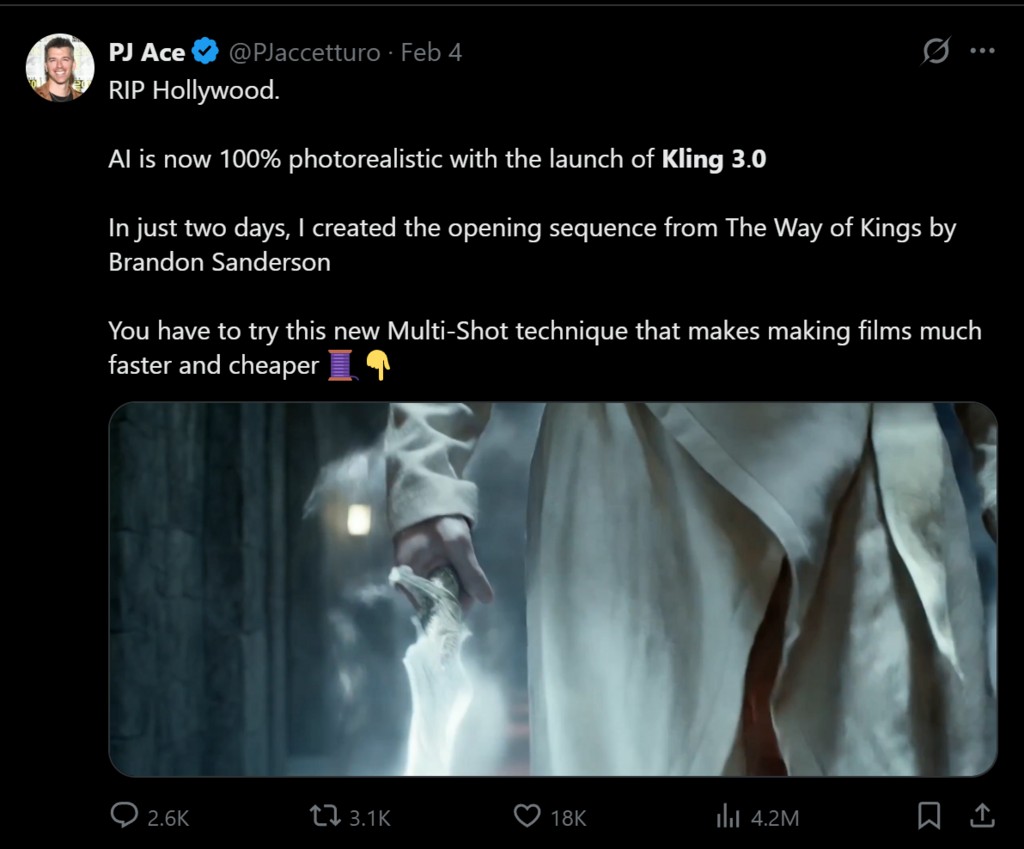
While the potential is vast, it is important to temper expectations. We are not yet at the stage where AI can perfectly replicate a complex hero product with specific labeling text—OCR and text generation within video remain a hurdle. However, for “mood” shots, lifestyle clips, and atmospheric B-roll, the technology has matured significantly. It offers a way to scale video production without scaling the budget, providing a competitive edge to brands that can master the art of the prompt.
